Walkthrough
A clip goes in. An edit comes out.
Every step, in order. Each step says whether it works today, or is Next.
Built for Davis Vaughn. Nothing here is posted or published.
Use → or click to move on. ← goes back.
01 The clip Today
You drop the take on the Edit page.
Studio stores it as your footage and starts the work on its own.
Nothing is posted from here. With cut review on, Studio pauses for your OK before rendering.
Edit
Drop your footage here
02 The team
Seven agents. Each has a role.
Each tag shows when that agent does its work today.
Studio looks for a script match. After you choose whether to use one, the Art Director plans the edit when it reaches planning. Some agents work at setup. Two are Next.
Chief of Staff
Runs the team and talks to you
SetupStrategist
Plans what to make and when
After go liveCopywriter
Writes scripts, hooks and captions
SetupArt Director
Edits video and visuals
Plans editsPublisher
Schedules and posts to connected channels
NextCommunity
Handles comments, DMs and leads
NextAnalyst
Researches and measures what works
Setup03 The look Today
The look comes from your house style.
The edit reads two Brand Kit files, where present: your house style and your lessons. Your default format is Reference style, built from 25 measured short videos.
Brand Kit files are drafts until you approve them. Next You read each one and sign off.
04 Scripts Today
Scripts are optional. You choose on each take.
A take can be matched to a script. In this workspace, each take waits for your choice first.
Press “No script, just edit it” to go on without one.
Your choice on each take, as the Edit page shows it.
05 Your posts Today
Your posts feed the team. Sixty came in.
On the demo copy, Studio read 30 TikTok and 30 YouTube posts for Davis through yt-dlp. Instagram was skipped: yt-dlp cannot read it.
06 The setup path Setup
Setup reads your business, then drafts your voice.
If you add a website, the Analyst can read it. With posts available, the Copywriter can draft your voice. Review lets you approve the drafts before going live.
Posts come in through a source. On the demo copy the source is yt-dlp (TikTok and YouTube only).
- YouAdd your website and handlesSetup, step 2.
- AgentAnalyst reads your site“Asked Analyst to read your website.”
- AgentAnalyst imports your postsThrough a source. On the demo copy: yt-dlp, 30 TikTok and 30 YouTube posts.
- AgentArt Director transcribes the best videos15 transcriptions were queued after the import.
- AgentCopywriter drafts your voiceFrom your posts. The approved voice then helps draft scripts.
- YouApprove in ReviewBrand Kit files are written when you approve.
On the Agents page, the room has a Brand Brain in its centre. It is part of the picture, not a separate setup step.
07 The edit Today
The Art Director writes the plan. Fixed code does the cutting.
The Art Director, an AI agent, writes the plan: layout, captions, and which picture goes where. It never touches the video.
- YouDrop the takeOn the Edit page.
- AgentLooks for a script matchStudio looks for a script option to match.
- YouChoose the script optionFor example, “No script, just edit it.”
- CodePrepA working copy, a transcript, and the pauses and faces found.
- YouApprove the cutsWhen cut review is on, Studio pauses here.
- AgentArt Director plans the editLayout, captions, and which picture goes where.
- CodeCut, caption and renderFixed code does the cutting and the captions.
- CodeChecksChecks run on the export. This demo example lists 17.
- YouReviewLooks good, or send a note.
08 Cut review When on
With cut review on, Studio pauses before rendering.
It shows a cut summary. Choose “Cuts look good” to continue, or open “Change the cuts” and send a note.
Sending a note does not put cuts back.
Example cut summary from take 03. The cut list only, not a finished video. Shown only when cut review is on. It did not appear on the demo copy’s three test runs.
09 Checks Today
Seventeen automatic checks on this demo’s rendered cut.
They look at loudness, frozen frames, pauses and where captions sit.
They do not judge how a cut feels, or whether each caption word is right. You still watch it.
10 Notes Today
Say what to change. Studio builds a new version.
Needs changes opens a note box. Send it to request a new version. Studio reuses cached video sections when their inputs match.
Looks good opens the next choices. Download saves the version. Nothing goes out without your OK.
Layout example. The wording comes from Studio’s review card. This is not a real edit.
11 Real results Today
Three clips went in. Three first versions came out.
On the demo copy of Studio, with “No script, just edit it.” Each first version appeared about 1½ to 2 minutes after upload.
Times are approximate, from render-file timestamps. Playback was not checked. No cut-review pause was seen on this copy. Nothing was approved, downloaded, posted or sent.
“One thing to look at: no pause over 0.15s (longest 0.13s, p90 0.12s (target 0.1s)).”
“One thing to look at: captions clear of the speaker’s face (0 overlapping caption-frame(s); 1 caption-frame(s) with unknown faces).”
“Looks clean. Size, frame rate and codecs, length matches the plan, first frame shows a picture.”
Quality lines are the Studio’s own summaries.
11 Example output Example
Here is one example edit. Version 3.
Example edit, version 3, after two rounds of notes. Boxed captions, a card for the list, and pictures on two lines of speech. Some joins are visible. Two short captions need an audio check.
Next Review the joins and verify caption timing.
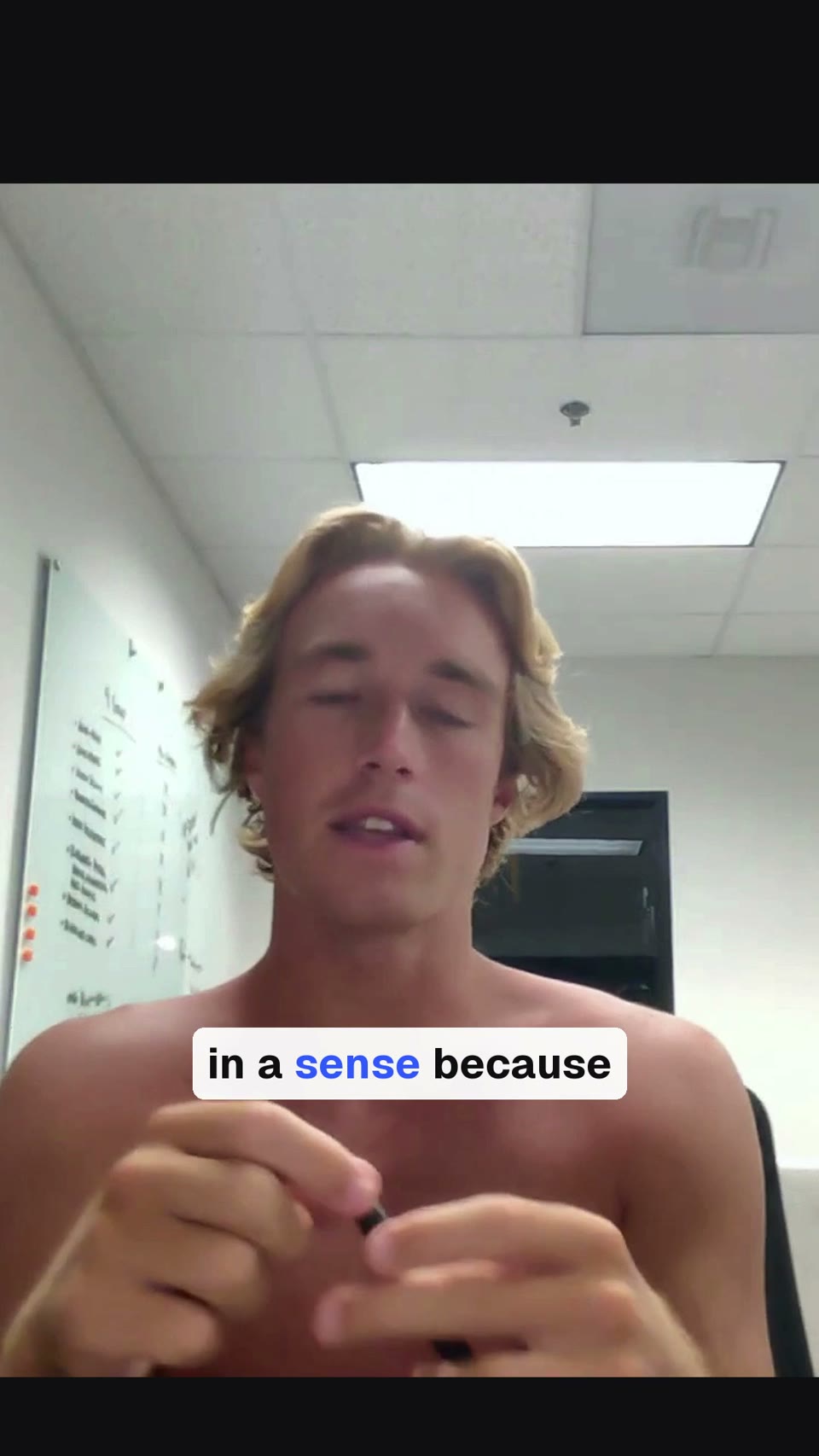 2.2 s hook
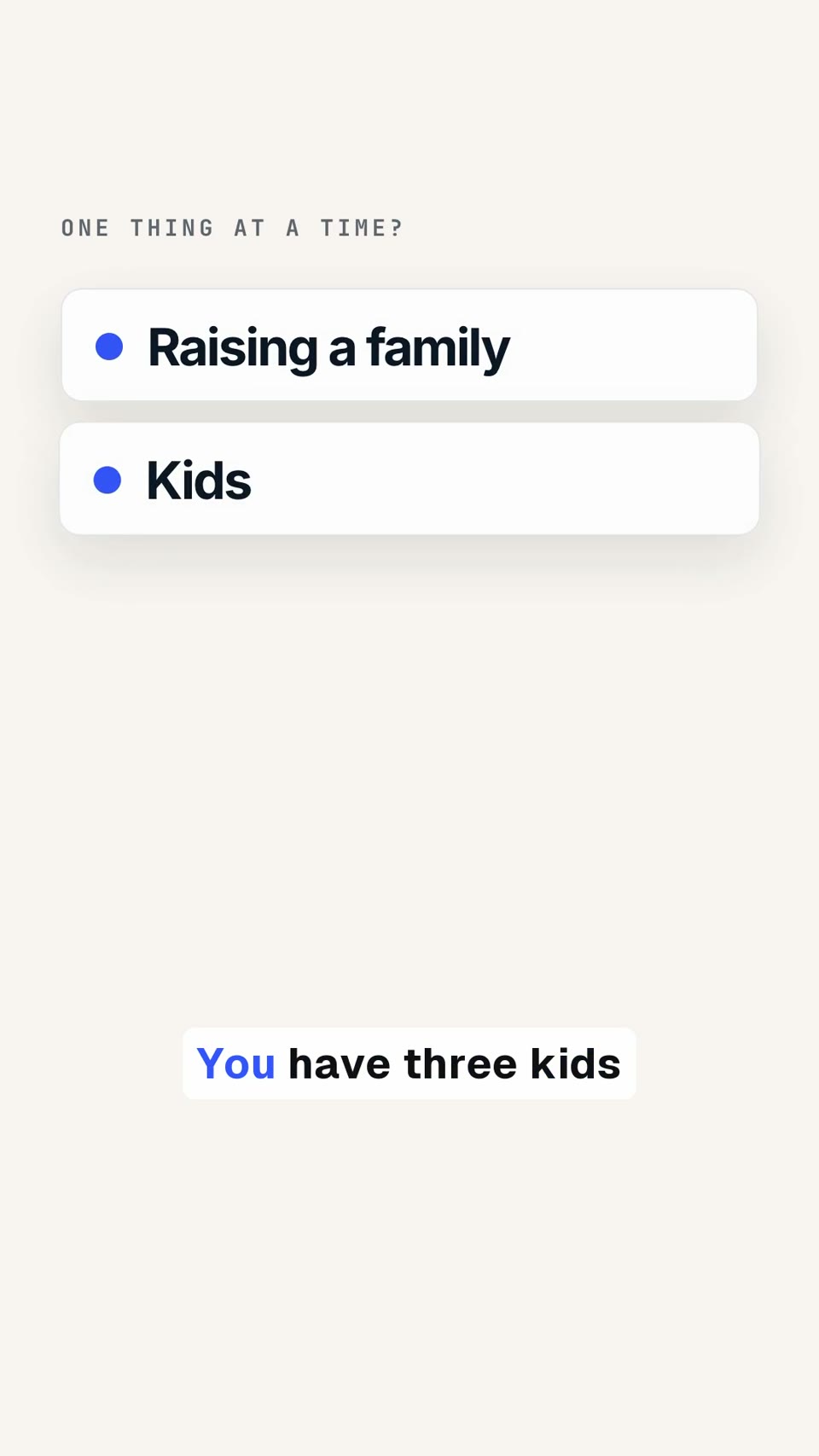 7.6 s list card
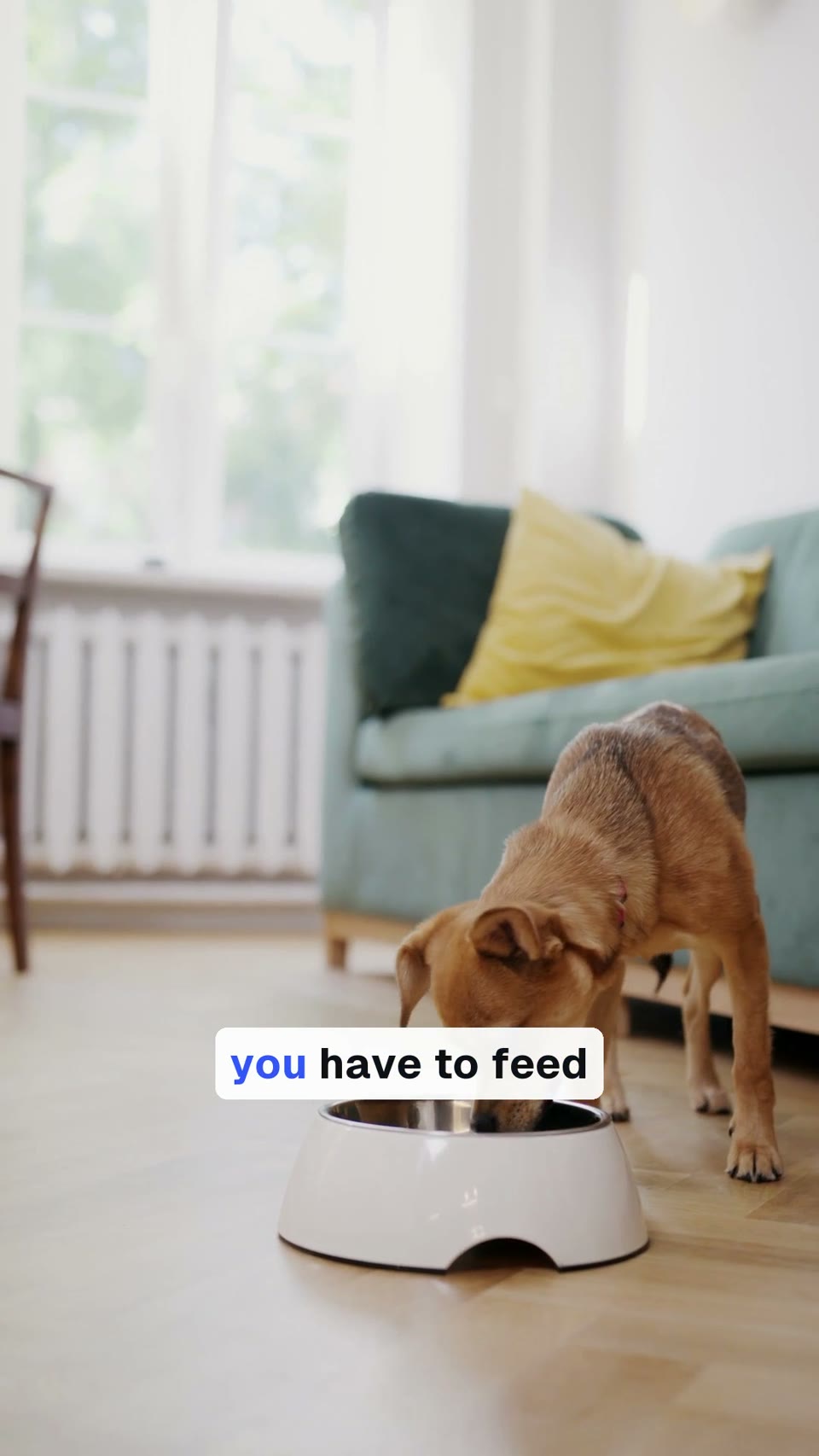 12.4 s picture
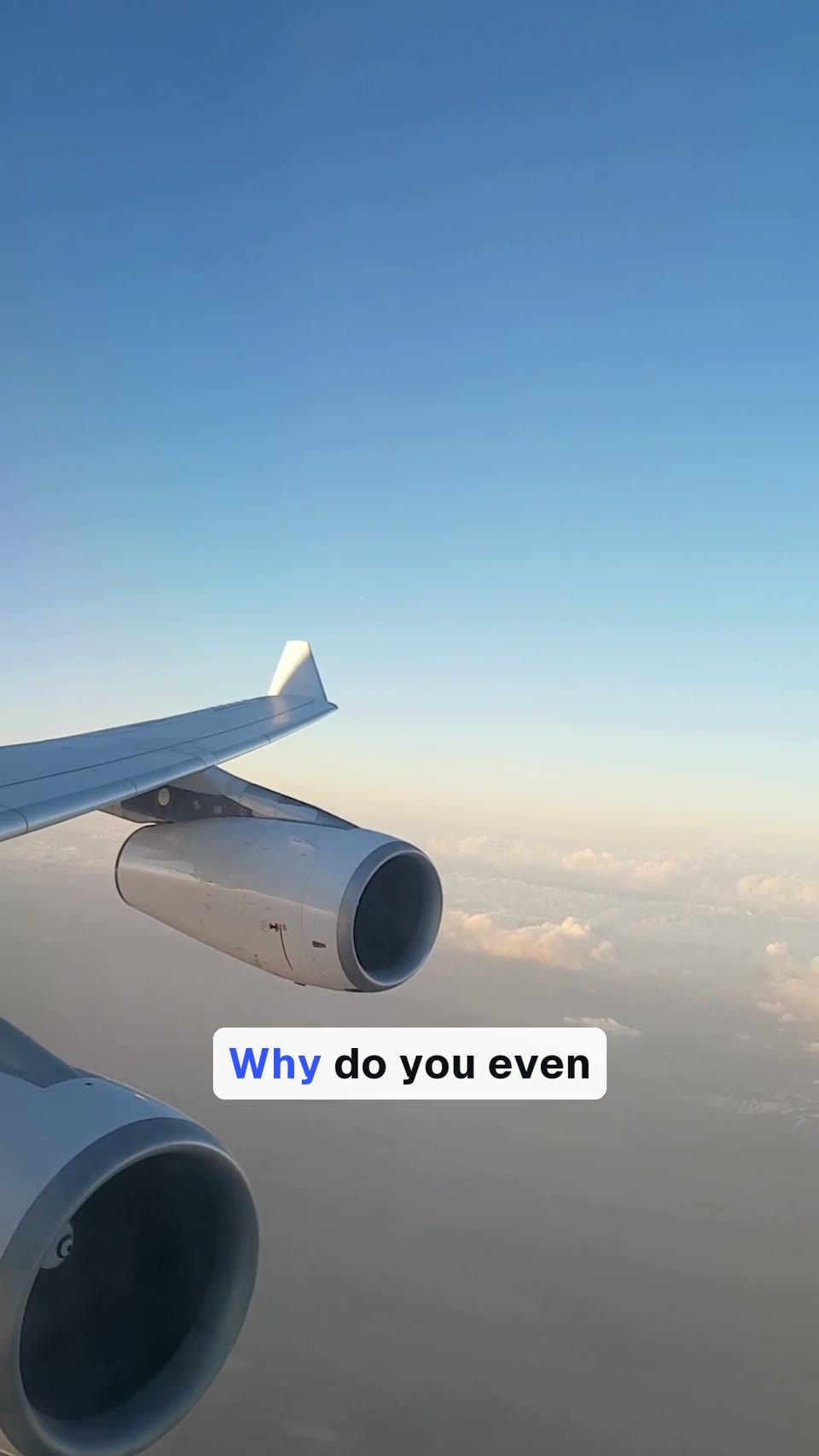 16.2 s picture
12 Before and after Example
Raw in. Edited out.
The same take, raw and then finished. The cut takes out pauses and fillers, then adds the captions and pictures.
Some joins are visible on his face in this one.
Raw take
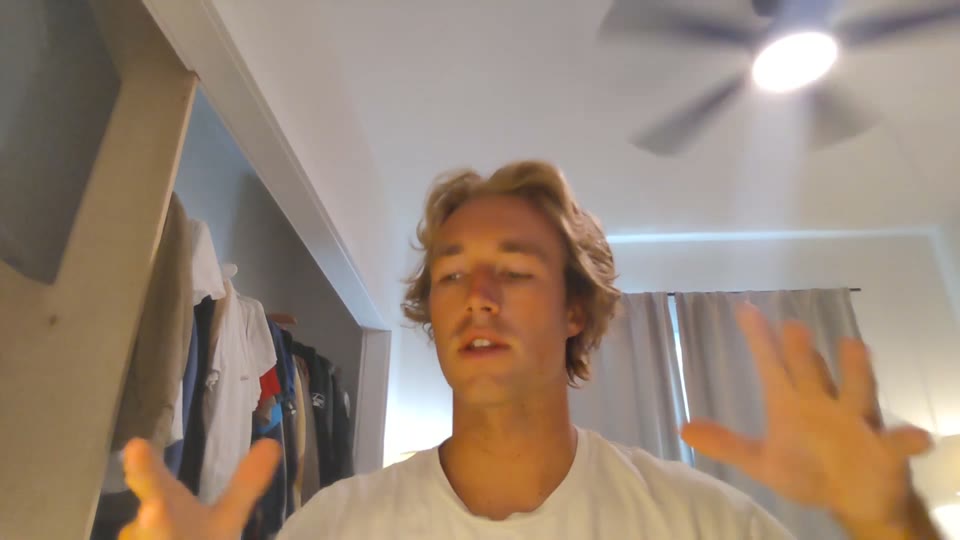 1 s
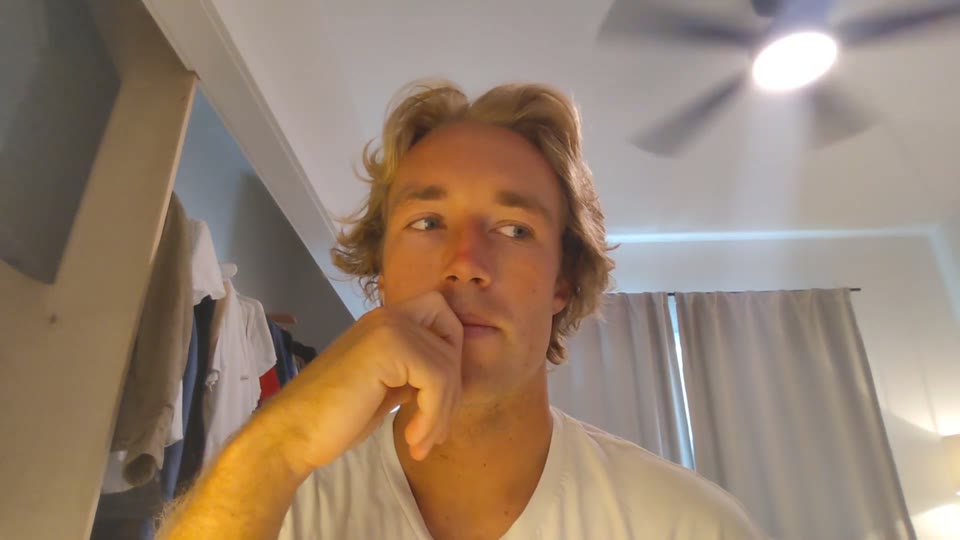 6 s
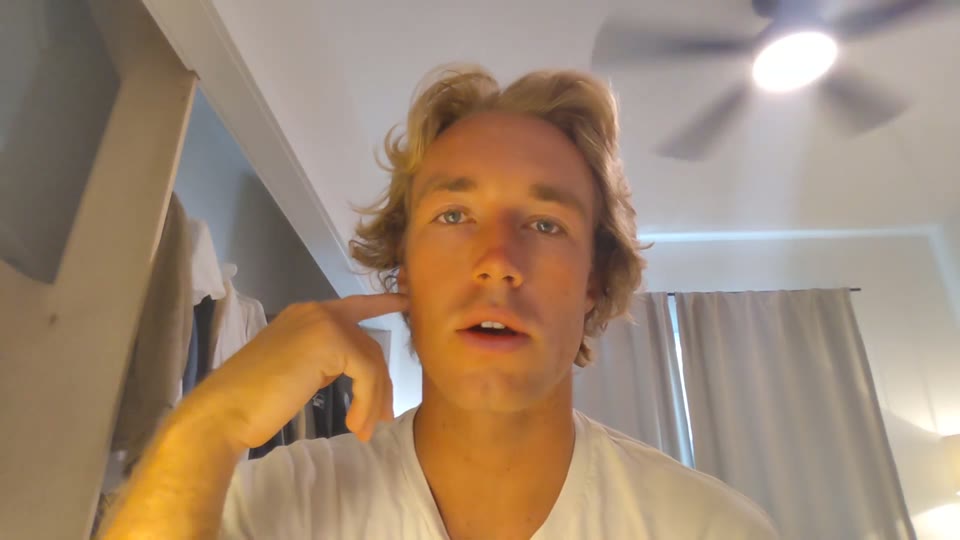 11 s
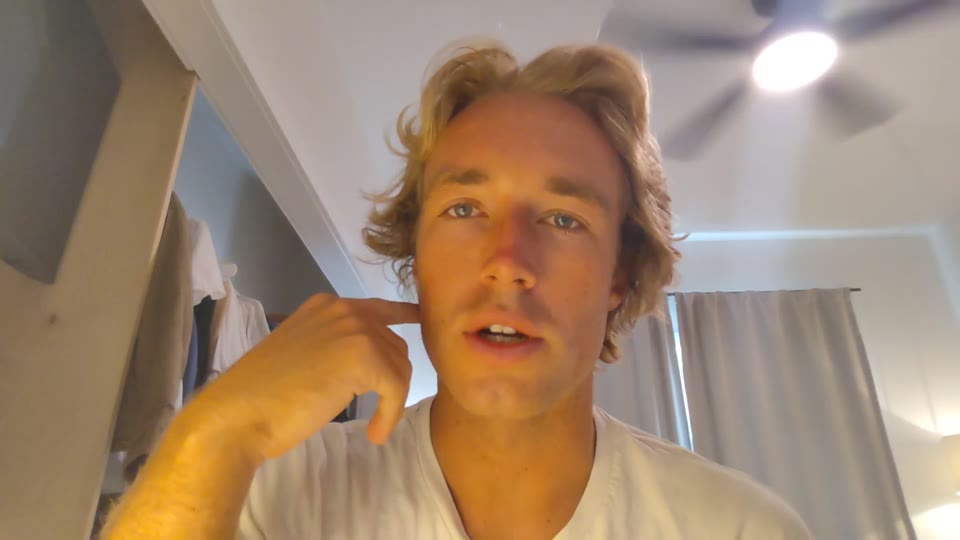 16 s
Example edit, version 3
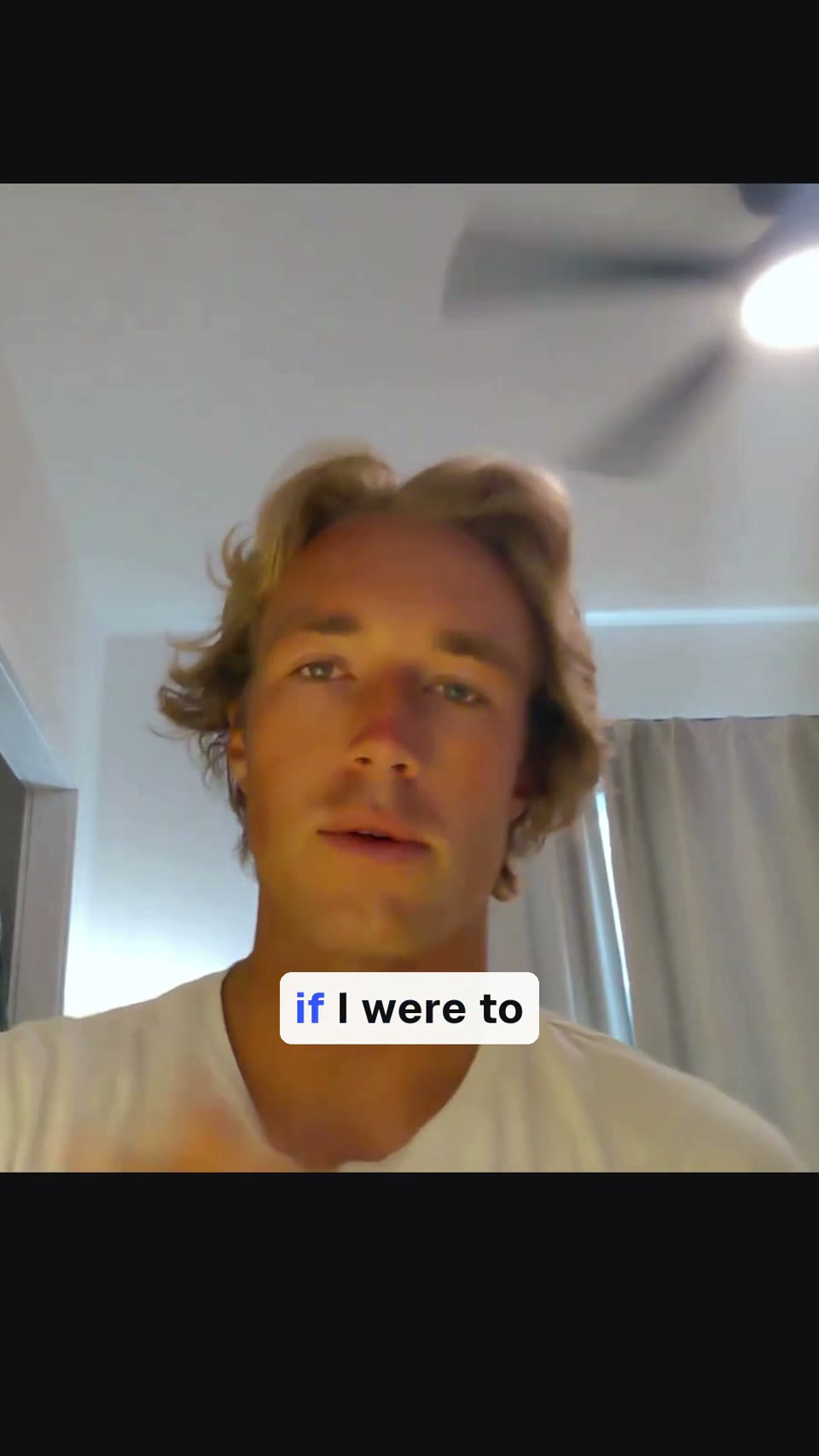 1.9 s
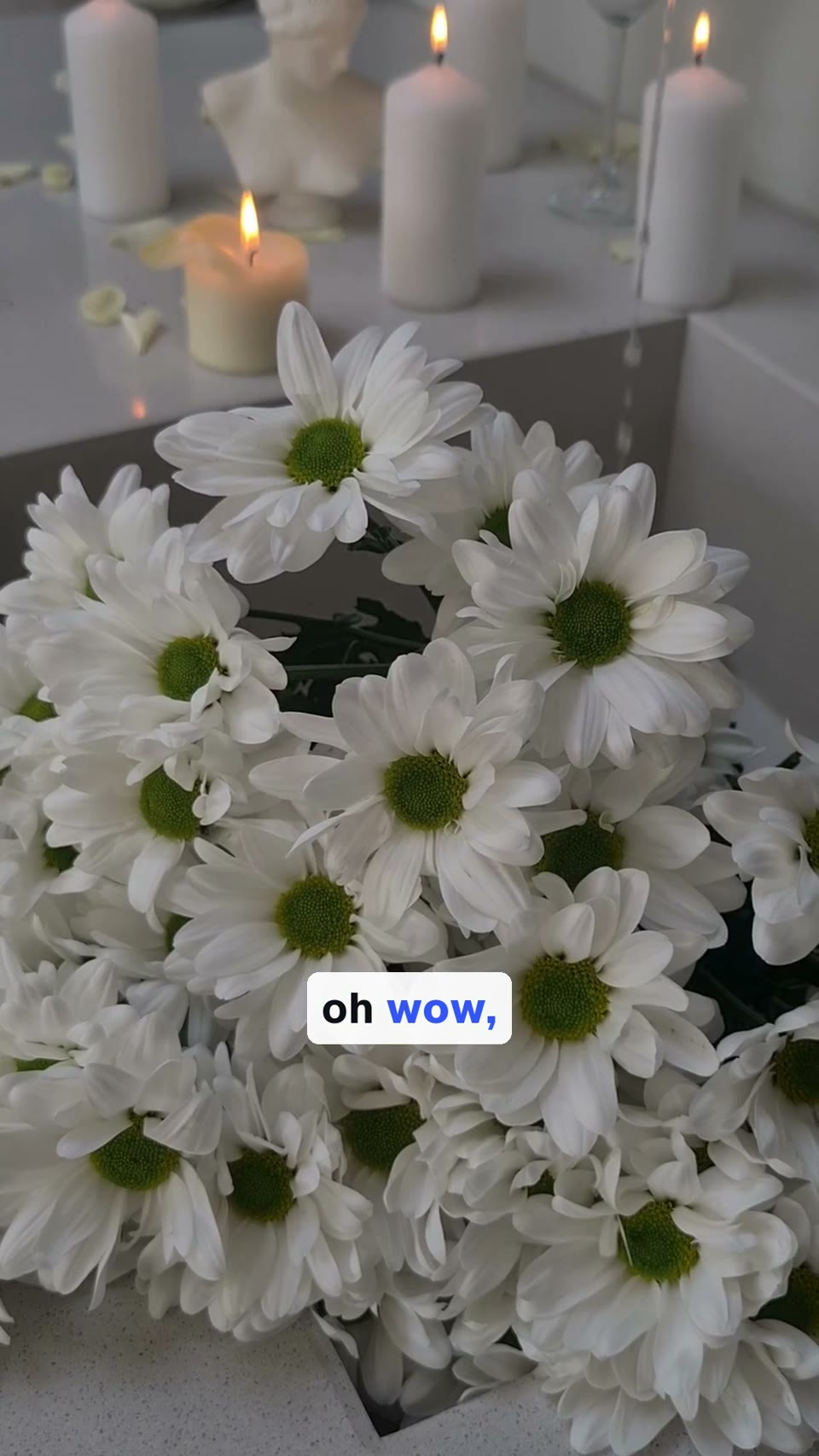 6.8 s
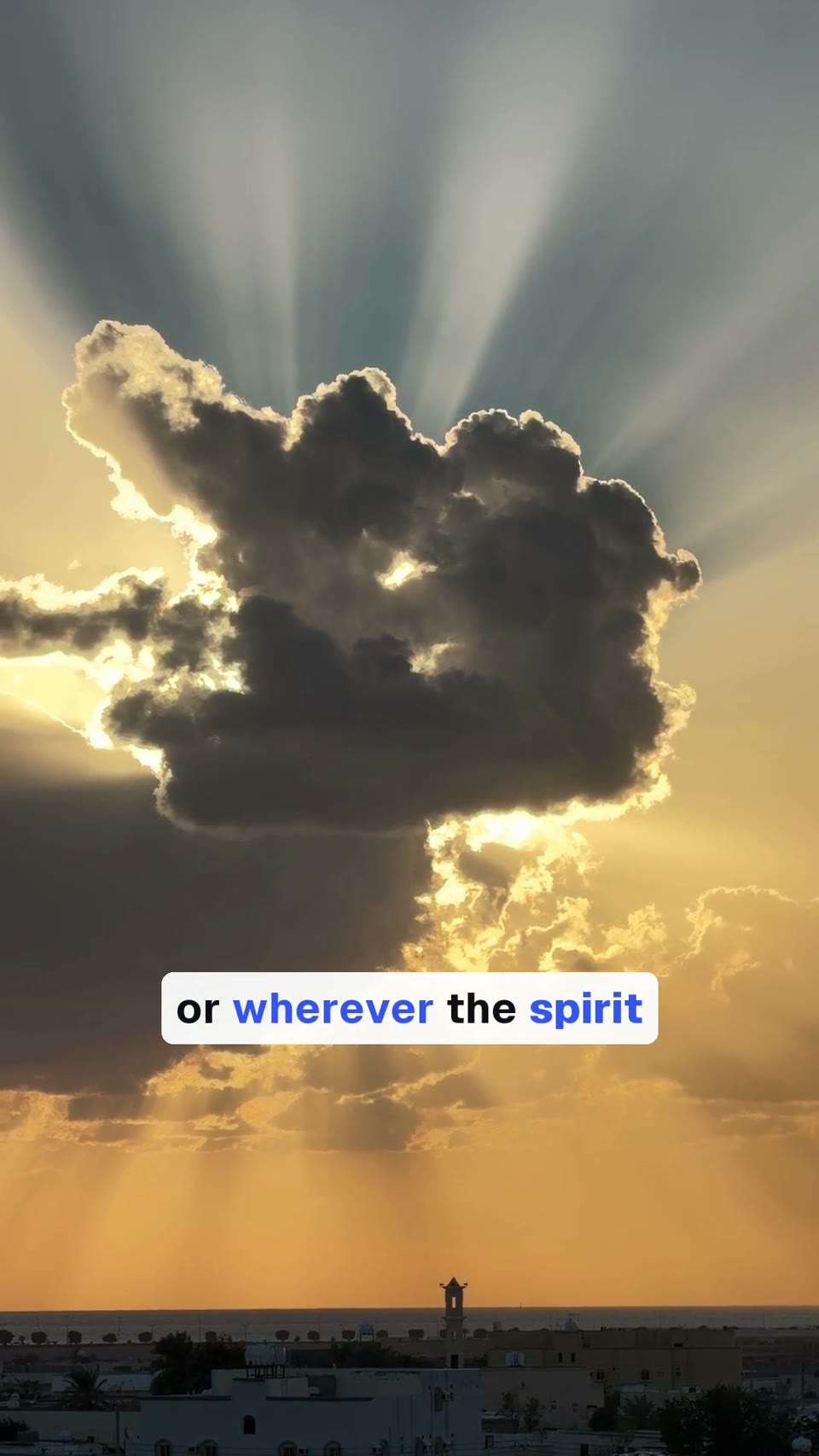 12.5 s
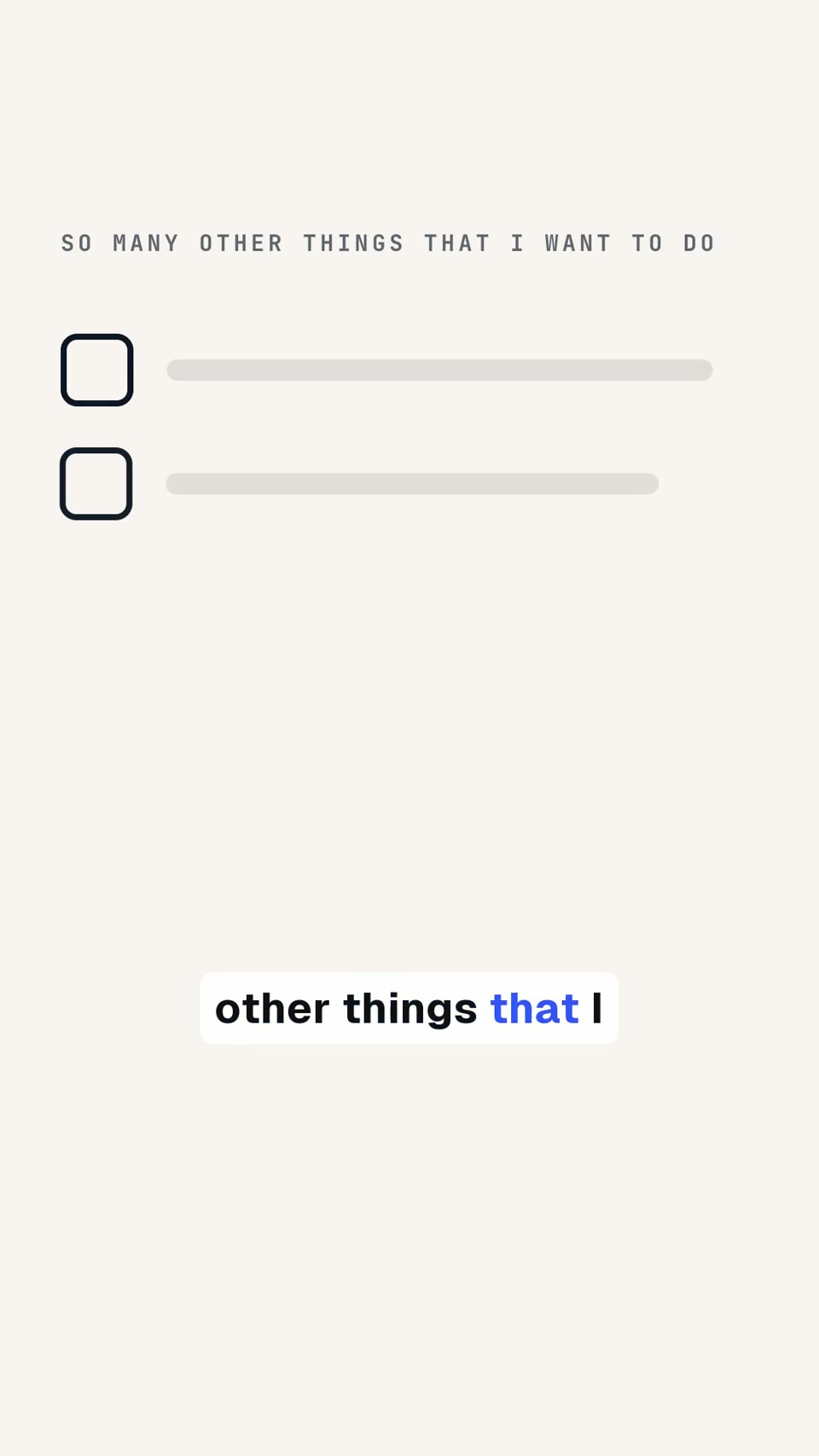 17.3 s
14 Trial reels Example Live: Next
One clip. Ten trial-reel variations.
The engine made ten from one Davis clip, offline. Each has its own mix of speed, colour, caption style and title style. All ten passed the engine’s checker.
Not demo-ready: in the contact-sheet previews, captions sit over the speaker’s face in all ten. Hashtags and title wording are samples, not approved. The clip was centre-cropped to vertical for the test. Nothing was scheduled, posted or sent.
| # | Speed | Colour | Captions | Title |
|---|---|---|---|---|
| 01 | 1.09x | cool | box_word | plain_caps |
| 02 | 1.03x | moody | caps_outline | black_box |
| 03 | 1.04x | soft | outline | black_box |
| 04 | 1.07x | warm | single_caps | white_box |
| 05 | 1.08x | golden | yellow_word | white_box |
| 06 | 1.10x | punch | box_word | small_plain |
| 07 | 1.06x | vivid | caps_outline | small_plain |
| 08 | 1.05x | cool | outline | plain_caps |
| 09 | 1.09x | moody | single_caps | plain_caps |
| 10 | 1.03x | soft | yellow_word | black_box |
14 The offer
Offer: Joe presents.
Joe walks through the offer live. Here is what is built today, and what is next.
Price and terms are covered on the call.
Today
- Drop a take on the Edit page
- Three clips went in and three first versions came out, about 1½ to 2 minutes each, on the demo copy
- 30 TikTok and 30 YouTube posts imported through yt-dlp, on the demo copy
- Cut review: a pause to approve the cuts, when it is on
- Reference style, the workspace default
- Studio checks the rendered video before review
- Notes request a new version. Studio reuses cached video sections when their inputs match
- The team, live on the Agents page
- You review the edit, then choose what to do with it
Next
- Your own login on your phone and computer
- Drop a whole folder, or pull from your Drive
- Trial reels, live (off for now). Ten variations of one clip were made offline; captions over the face must be fixed first
- Scheduling and posting
- Review visible joins
- Verify caption timing
- Each other company’s workspace